Ozil Goal AI Video Generator

Upload your photo to create an Ozil Goal AI video starring you as the scorer, chipping the ball over the goalkeeper, dribbling past defenders, and finishing into the net. No special skills needed—just one photo and less than a minute to generate your video.

Your photo as the scorerNo prompt needed15-second portrait video

Upload one clear photo of your scorer, preferably full-body with the face and outfit visible. Your video is 15 seconds in portrait format.

Image 1

Preview video - Generate your own video above

See Ozil Goal AI in Action

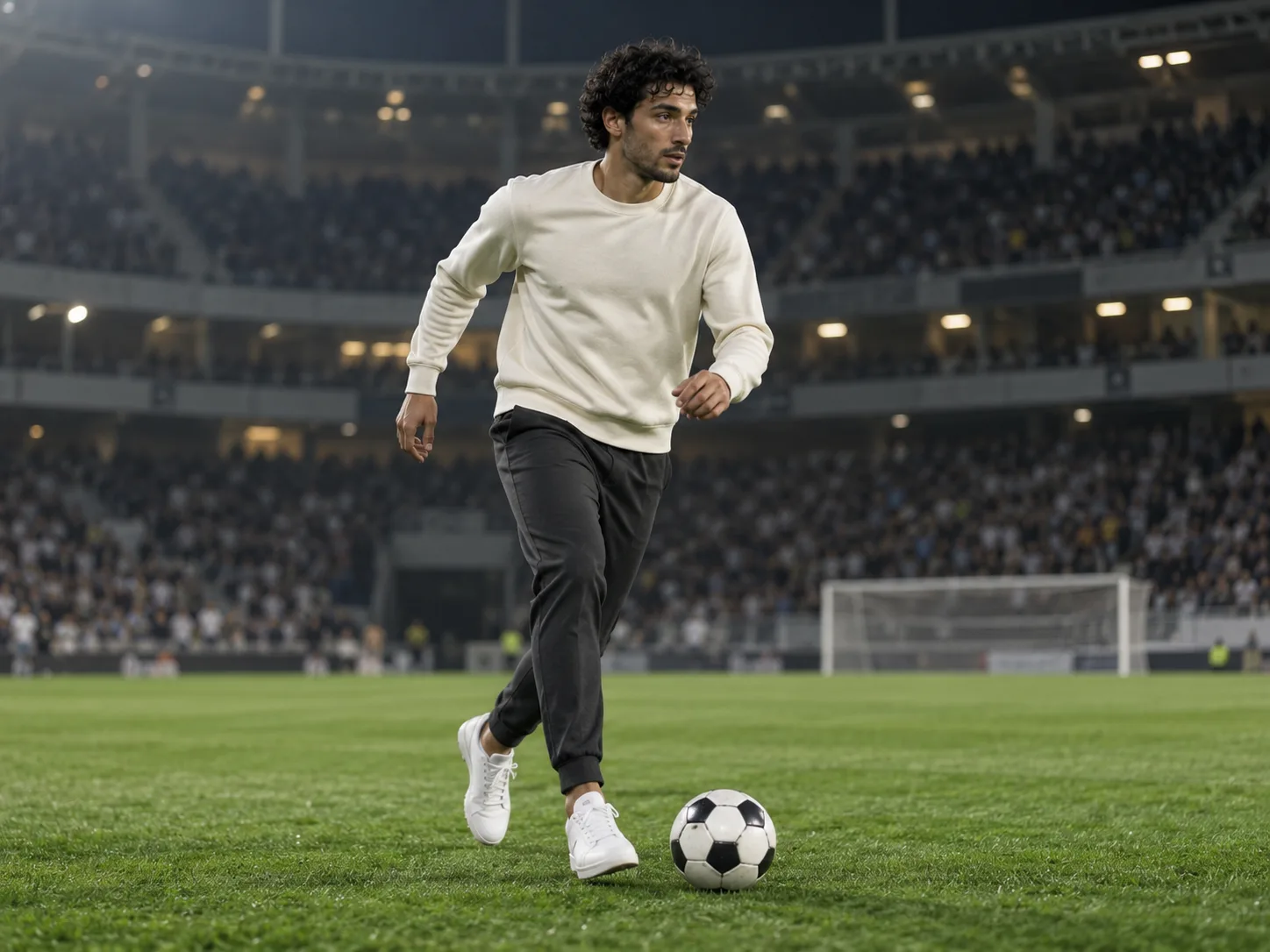
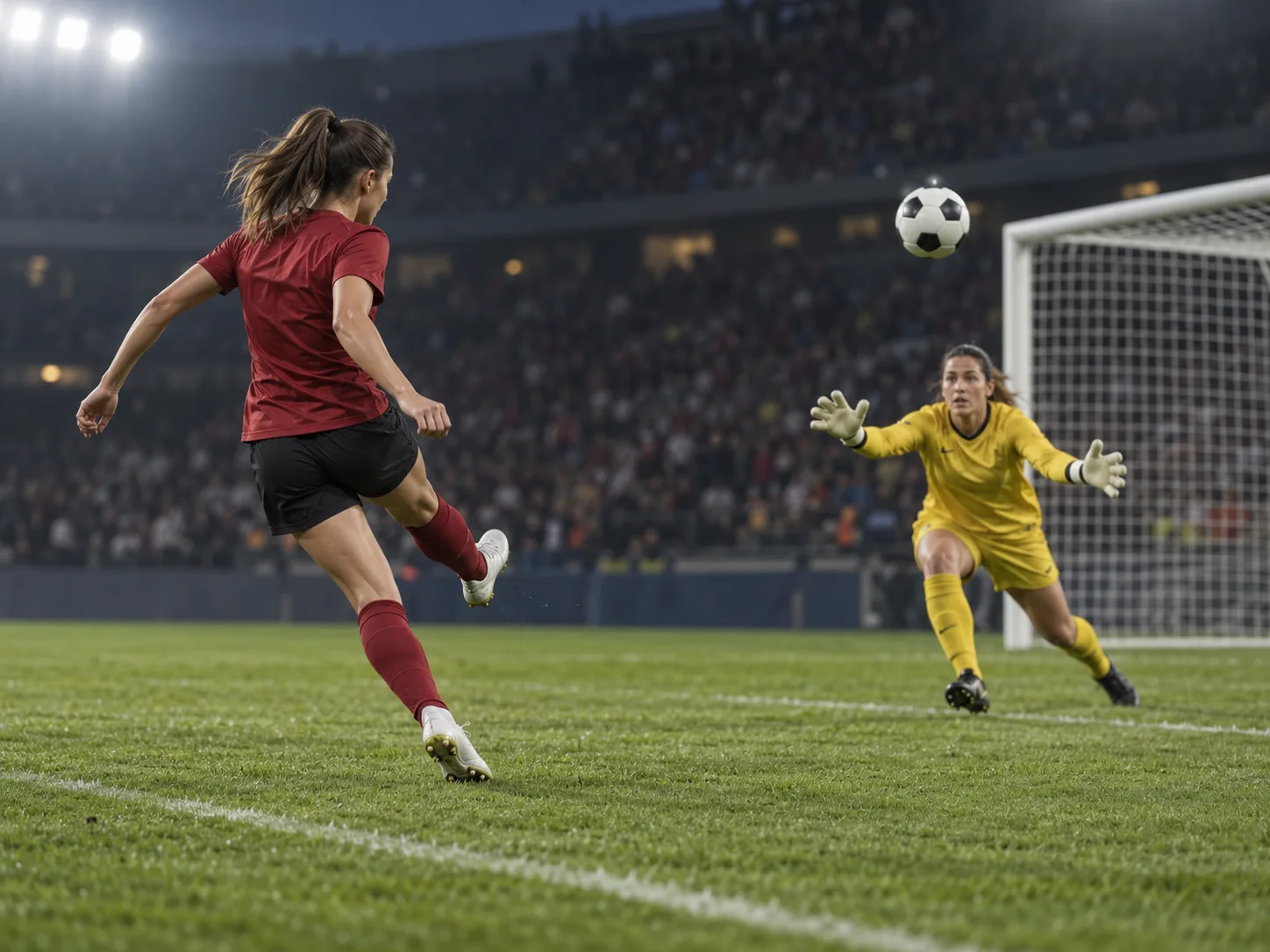
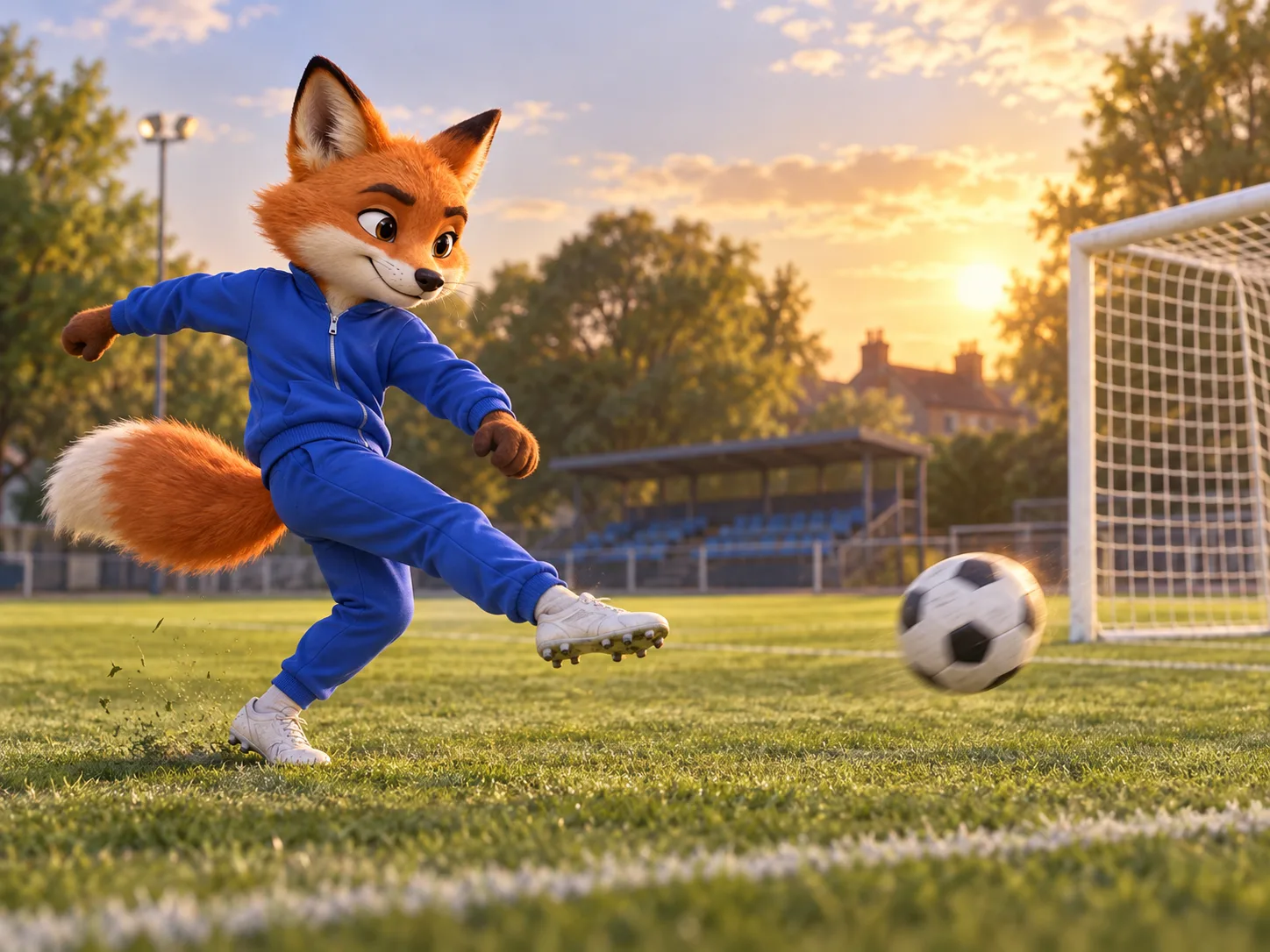
One goal, three different stars. Watch how a new face and outfit change the feel of the same football sequence, from the goalkeeper chip to the final strike. Play the examples for a preview of the action before choosing your own scorer.

Your Photo. Your Outfit. Your Ozil Goal Moment.

Step into the Ozil AI video trend with a football edit built around your chosen scorer. The goal sequence is ready to use, so you can focus on who takes the shot. The images below illustrate creative ideas; watch the videos above for generated examples.

Turn One Photo into Your Football Highlight

Ever imagined being the player who leaves the keeper behind and calmly finishes the move? Your uploaded photo supplies the appearance of the attacking scorer, including the face, hairstyle, clothes, and shoes. Start with a clear full-body image to give the AI more detail to work with as your subject runs, turns, and kicks.

  • Choose yourself or a consenting friend as the star of the goal
  • Keep your own look: try a hoodie, a suit, or your match-day outfit
  • Use one person in the photo, with the face, legs, and shoes clearly visible
Turn One Photo into Your Football Highlight

The Goal Sequence Is Already Set Up

The chip, the recovery of the ball, the moves through the defense, and the shot give this football trend its recognizable story. Ozil Goal AI comes with a built-in goal reference and a prepared prompt to guide those moments. Upload your scorer and generate without finding a football clip, describing every move, or editing the players frame by frame.

  • One photo is all you need to supply—no prompt or video upload required
  • A preset guides the scorer through the action while retaining the other players
  • Generate a 15-second, 9:16 portrait clip for a phone-first football edit
The Goal Sequence Is Already Set Up

Give an Unexpected Character the Winning Shot

A familiar goal feels different when the scorer is an animated fox, a costumed hero, or a character you designed. Upload a clear character image and try a playful take on the same football action. A readable face, distinct silhouette, and visible limbs give the AI a stronger starting point for movement. Complex designs may need another attempt.

  • Try an original mascot or stylized character with a simple, recognizable design
  • Make the outfit part of the joke, from smart office wear to a colorful costume
  • Build a football meme around the contrast between the character and the skill
Give an Unexpected Character the Winning Shot

How to Create an Ozil Goal AI Video

Make your Ozil Goal AI video directly in the generator above. There is no separate motion-reference setup: choose a photo, start the generation, and preview your result on this page.

01

Upload Your Scorer Photo

Pick a sharp, well-lit image of one person or character. A head-to-toe view helps define the whole look, especially the clothing and footwear that will appear during the run.

Choose a natural standing pose with the face visible and arms and legs easy to distinguish.

Avoid group photos, heavy filters, and crops that cut off the feet. A simple background keeps attention on the subject.

02

Generate the Goal Video

Start the generation with your uploaded photo. The built-in preset supplies the football action and camera reference, with a 15-second portrait video as the output.

Check the credit cost shown in the generator before starting.

You do not need to write an Ozil goal prompt, upload a match clip, or adjust a video timeline.

03

Preview, Download, and Share

Watch your result in the on-page player, then download the version you want to share. Give the whole move a look, including the moment the scorer turns and the ball leaves the foot.

Check that the face and outfit remain recognizable and that the ball movement and final shot make sense.

Add your caption or preferred music in your editor or social app before posting to TikTok, Reels, or Shorts.

Six Ways to Make the Ozil Goal Trend Your Own

The fun is in the casting. Choose a scorer your audience will recognize, then give the clip a reason to be shared: a match-day joke, a birthday surprise, or an unlikely football hero.

Your Own Match Highlight

Put yourself on the pitch for the kind of solo run you usually watch in a highlights reel. Try a football shirt for the fan version or everyday clothes for a more unexpected entrance.

A Friend's Birthday Goal

Give a consenting friend the starring role in a football birthday edit. Pair their goal with a personal caption or an inside joke, then send the clip to the group chat.

An Original Character Remix

Let your illustrated hero or original mascot take on the defense. A bold outfit and recognizable silhouette can make the goal feel like a scene from your own character’s world.

The Office Outfit Challenge

What happens when the best-dressed person in the office takes the shot? Use a full-body photo in a suit, work clothes, or another distinctive outfit and let the contrast carry the joke.

Match-Day Group Chat Banter

Turn yourself into the scorer when your friends are debating who could finish that chance. Add a playful caption and share your AI football highlight before or after the match.

A Football Post for Your Feed

Create a portrait football clip for TikTok, Instagram Reels, or YouTube Shorts. Use the goal as the centerpiece, then add a short setup or reaction caption that fits your audience.

Ozil Goal AI Questions, Answered

Get practical answers about the Ozil AI trend, photo preparation, video output, and sharing your football edit.

1

What is the Ozil Goal AI trend?

The Ozil Goal AI trend puts a new scorer into a football scene inspired by Mesut Özil’s famous winner for Arsenal against Ludogorets on November 1, 2016. The appeal is the combination of a skillful solo move and an unexpected star: you, a friend, or an original character. This generator uses a prepared goal scene to turn that idea into a personalized video.

2

How do I make an Ozil AI video with my photo?

Upload one image in the generator at the top of this page, check the displayed credit cost, and start the generation. Your photo defines the scorer’s appearance, while the built-in preset guides the football scene. Preview the finished video here and download it when you are happy with the result.

3

Do I need an Ozil goal prompt or a reference video?

No. Ozil Goal AI already includes a goal-motion reference and a prepared prompt for this effect. You only supply the scorer image. There is no need to search for a match clip, paste instructions, or upload separate pictures of the goalkeeper and defenders.

4

What kind of photo works best?

Use a sharp, well-lit full-body photo with one subject, a visible face, and both feet in frame. Clothing and shoes help define the complete scorer. A selfie provides fewer body details, while group photos can make the intended subject ambiguous. Avoid sunglasses that hide much of the face, strong blur, and objects covering the legs.

5

Can I keep my own clothes instead of wearing a football kit?

The preset uses your photo as the reference for the scorer’s whole appearance, including clothing and footwear. You can try a casual outfit, a suit, or a football shirt. Choose a photo that clearly shows the look you want, and check the finished clip for changes in colors or clothing details as the subject moves.

6

Can I use a friend, a mascot, or an original character?

Yes. Use a friend’s photo with their permission or an image of a character you can use. For a mascot or stylized character, favor a clear face, visible limbs, and a simple silhouette. Unusual anatomy and elaborate accessories can make the football movement harder to generate consistently.

7

How long is the video, and is it vertical?

The generator is configured to create a 15-second video in a 9:16 portrait format at 720p. That shape suits TikTok, Instagram Reels, and YouTube Shorts. You can download the result and add captions or trim it in your preferred editor before posting.

8

Will the video match the original Özil goal exactly?

The result is an AI interpretation guided by the built-in example, rather than an exact replay of the original match footage. Timing, facial details, ball contact, and player interactions can vary between generations. Watch the examples to understand the intended style and review your own clip before sharing.

9

Does my Ozil Goal AI video include music?

Audio generation is enabled, and the preset uses the built-in example’s soundtrack as a reference where supported. The finished audio can vary; a particular song heard in another viral edit is not guaranteed. Listen to your preview and, if you want a different sound, add a suitable track in your editor or social platform.

10

How can I improve a result that looks off?

Start by checking your source image: is the face sharp, is the whole body visible, and is there only one subject? A clearer photo can help when the scorer’s appearance drifts. In the result, look for changes in the outfit, awkward legs, or a ball that jumps between positions. You can try another generation; review the displayed credit cost before doing so.

Create Your Own Ozil Goal AI Moment

Your face, your outfit, and a goal your friends will recognize. Upload one clear photo and create your 15-second football highlight with the action already set up.